



Size minimums: the distance rule
The most common QR mistake is making the code too small. A widely used rule of thumb is that the code's width should be about one-tenth of the scanning distance: a card held 10 inches from a phone needs a code around 1 inch wide. Treat 0.8 inch (about 2 cm) as the floor for anything handheld. Longer links make denser codes with smaller squares, so shorten the URL or use a dynamic code to keep the pattern simple — a simpler code scans at smaller sizes. Export the code as a vector file (SVG, EPS or PDF) or a high-resolution image so the edges stay crisp; a blurry, upscaled screenshot of a QR code is a reliable way to get one that won't scan. Bigger is almost never a problem — smaller often is.
Quiet zone and contrast
Scanners need a border of empty space around the code, called the quiet zone. The standard is four modules wide — four of the code's little squares — on every side. Don't let text, photos, borders or the trim edge creep into that margin, and keep the code well inside the safe area, away from the cut line. Contrast matters just as much: dark code on a light background is the reliable choice. Black on white is ideal; a dark brand color on white or cream usually works. Avoid inverted codes (light on dark), low-contrast pairs like gray on blue, and codes printed over photos or patterns. If you add a logo to the center, keep it small and use a higher error-correction level, then test it carefully.
Dynamic vs. static codes
A static QR code has the destination URL baked into the pattern. It's free to generate and never expires, but if the link changes, every printed piece is stuck pointing at the old address. A dynamic QR code points to a short redirect link you can edit later, usually through a QR service; it produces a simpler pattern, lets you change the destination after printing and typically includes scan counts. The trade-off is that dynamic codes depend on that service staying active, and many charge a subscription. A practical approach: use a static code pointing to a page on your own website that you control, and update the page instead of the code. That gives you flexibility without relying on a third party.
Test before you print
Never send a QR code to press untested. Scan it with at least two different phones, ideally one iPhone and one Android, using the built-in camera apps. Check that it lands on the right page, that the page loads quickly on mobile and that the link isn't a staging or login-only URL. Print a test on your home or office printer at actual size and scan it from a realistic distance in normal lighting. Then scan the code again on the free digital proof we send before anything prints — nothing is charged until you approve it, and every order includes a free pro file check. Finally, add a short line of text next to the code saying what it does, like “Scan to order online” — people scan more when they know why.
Where to put QR codes on each product
| Product | Recommended QR size | Where to place it |
|---|---|---|
| Business cards | 0.8–1 in. | Back side, with a short call to action |
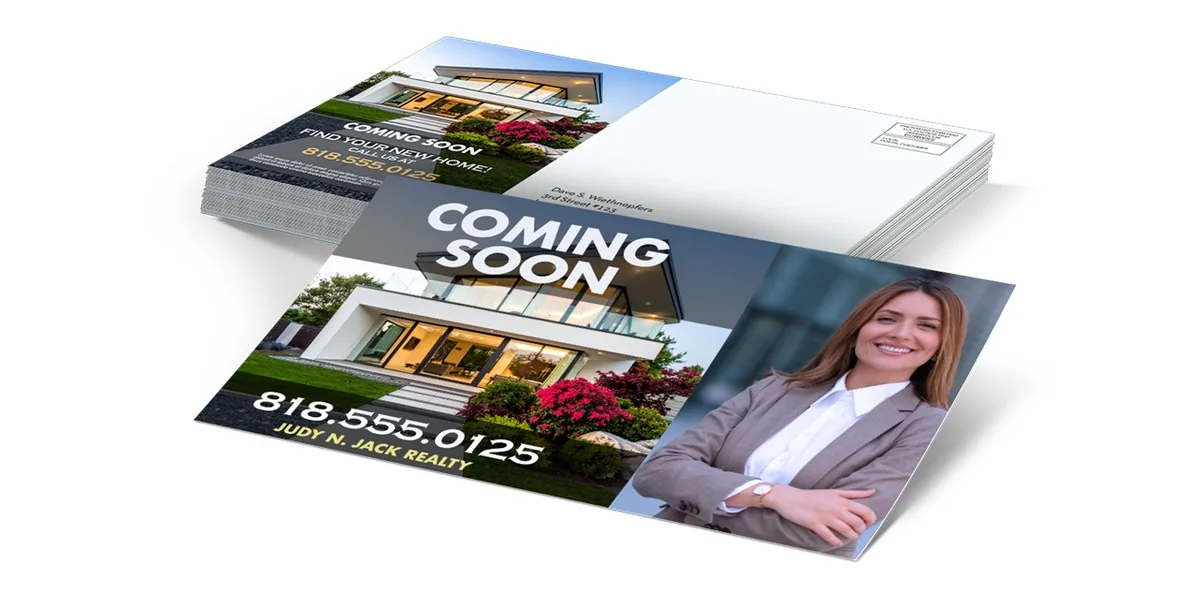
| 4×6 postcards | 1–1.25 in. | Next to the offer on the message side; keep clear of the address and postage area |
| 8.5×11 flyers | 1.25–1.5 in. | Bottom corner beside the call to action |
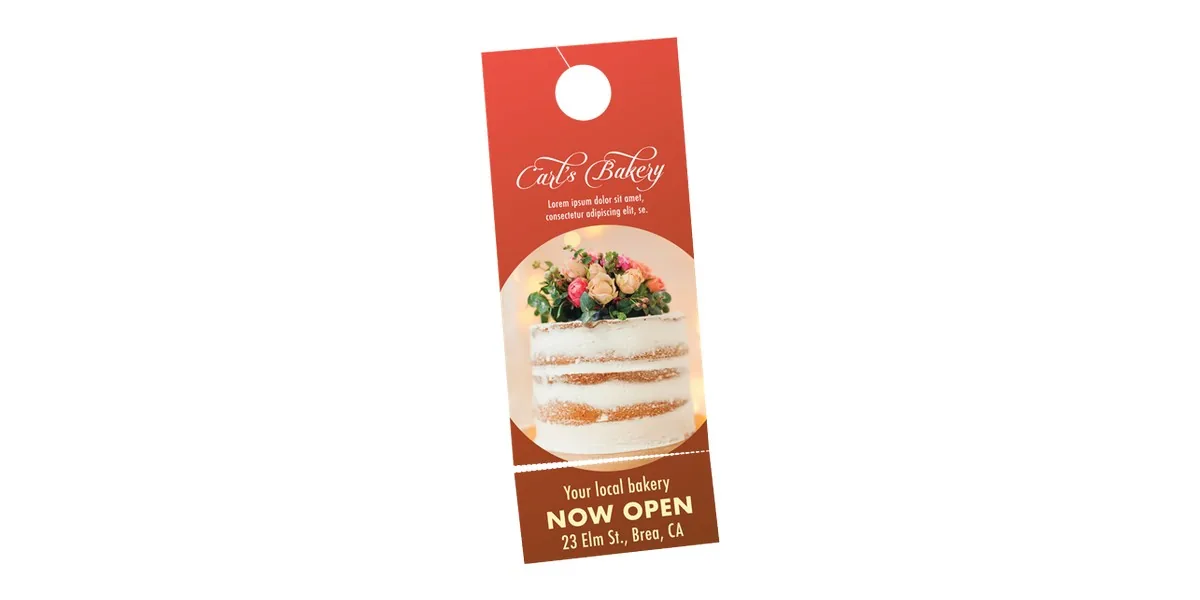
| Door hangers 4.25×11 | 1–1.25 in. | Lower half, below the offer |
| Menus 8.5×11 | 1–1.5 in. | Top or bottom for online ordering; not buried mid-page |
| Die-cut stickers | At least 1 in. | Only on 3" stickers; leave room for the quiet zone |
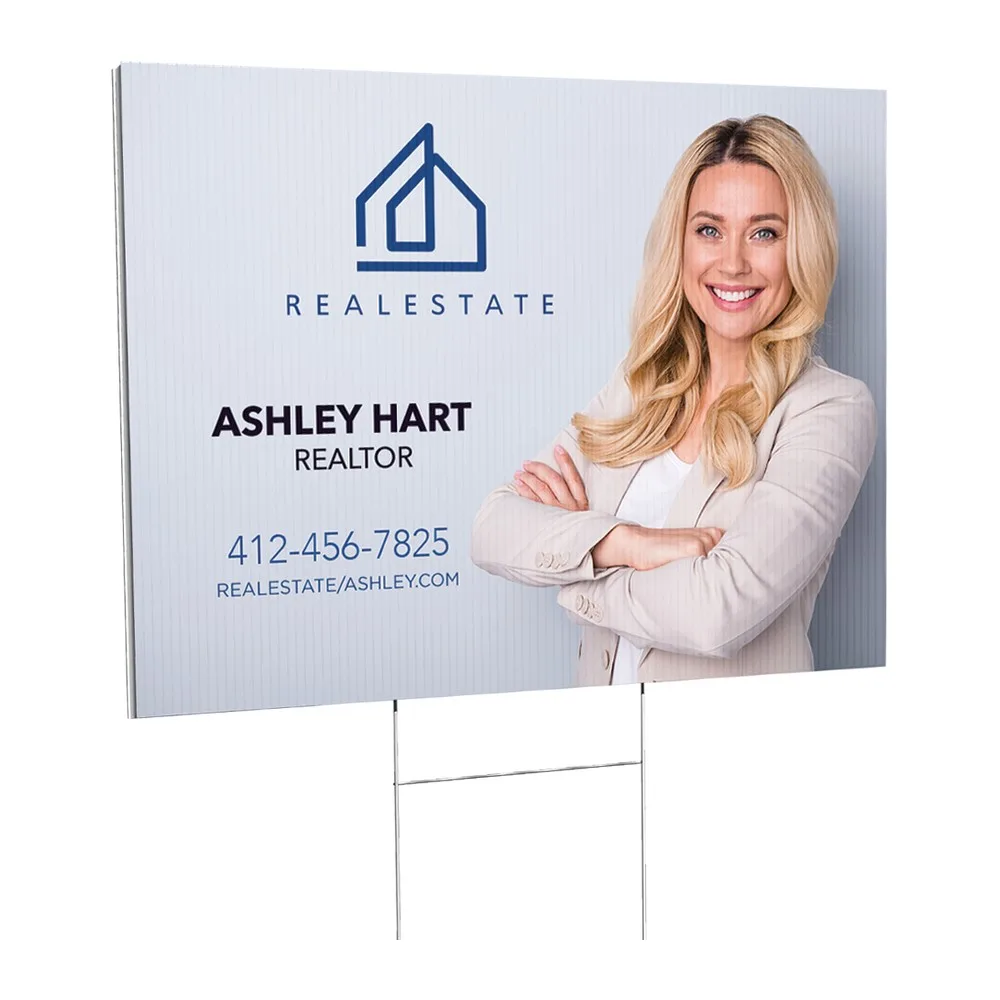
| Yard signs 18×24 | 4–6 in. | Lower area for walkers; drivers can't scan, so add a short URL or phone |
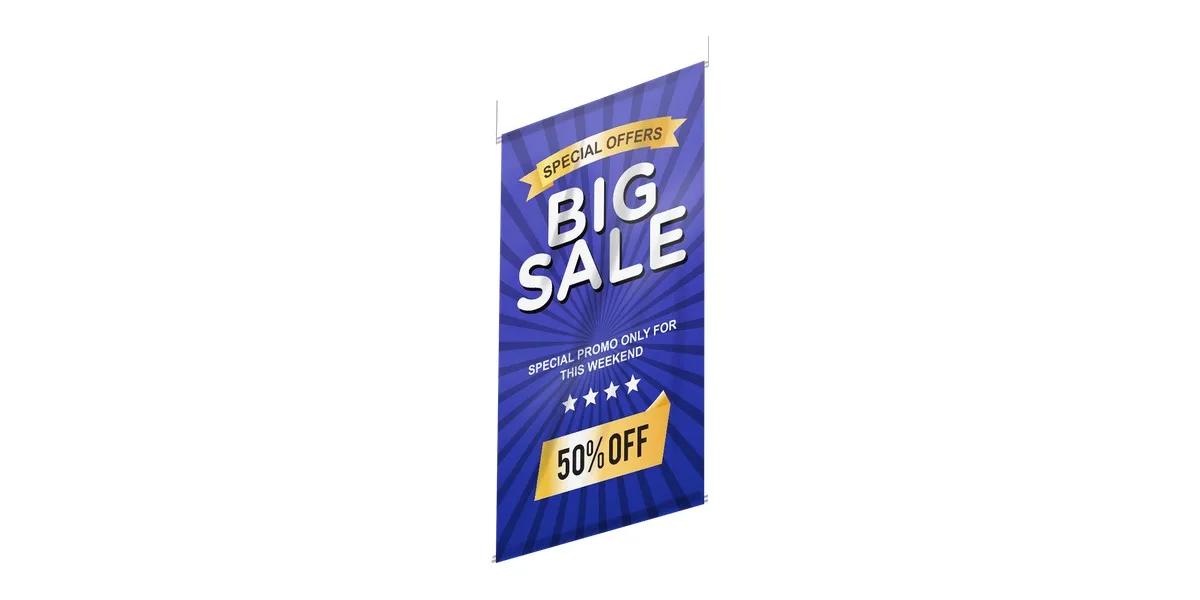
| Vinyl banners | 6 in. and up | Lower corner at eye level, for people who can walk up to it |
Track results with UTM links
A QR code becomes a measurement tool when the link carries UTM parameters — tags your analytics tool reads to show where a visit came from. A link like yoursite.com/offer?utm_source=postcard&utm_medium=print&utm_campaign=spring-mailer lets you see exactly how many visits came from that mailer. Use a different utm_source or utm_campaign for each piece — postcards, door hangers, menus — so you can compare them. Because UTM links are long, generate the QR code from a shortened or dynamic link, or send it to a dedicated landing page, to keep the code simple. Then compare visits and orders against the print cost to see which piece earns its spot in next quarter's budget.
All-in pricing. Free proof. No checkout surprises.
4×6 postcards with a trackable QR code from $59/100 — shipping, proof and file check included.
4×6 postcards with a trackable QR code from $59/100 — shipping, proof and file check included. ⚡ Or build a full kitFrequently asked questions
What is the minimum size for a QR code on print?
Treat about 0.8 inch (2 cm) as the minimum for handheld pieces like business cards, and go larger when possible. A common rule of thumb is that the code should be about one-tenth as wide as the scanning distance.
What is a QR code quiet zone?
The quiet zone is the blank margin around a QR code that scanners need to find it. The standard is four modules wide, meaning four of the code's small squares, on every side, with no text or images inside it.
Is a static or dynamic QR code better for print?
A static code is free and permanent but can't be changed after printing, while a dynamic code can be edited and tracked but usually depends on a paid service. Pointing a static code at a page on your own website gives flexibility without that dependency.
Can people scan a QR code on a yard sign or banner?
Only when they can walk up to it. Drivers can't safely scan a code, so roadside signs should also show a short web address or phone number, and any QR code should be at least 4–6 inches wide.
How can scans from a printed QR code be tracked?
Add UTM parameters to the link, such as utm_source=postcard and utm_medium=print, so analytics shows visits from that piece. Use a different tag for each printed item to compare which one performs best.