



What to put on a business card
Start with the essentials and stop there. Most cards need your name, your title or what you do (in plain words, like “Residential Electrician” rather than a vague tagline), your business name and logo, one phone number, an email address, and a website. Add a physical address only if customers actually visit you. Social handles are worth including only if that's where you really do business. Every extra line shrinks everything else, so be ruthless. If you're tempted to list six services, list the two people hire you for most and let the website handle the rest. A card with less on it almost always looks more professional than a card crammed edge to edge.
Hierarchy and readability
| Element | Suggested size | Tip |
|---|---|---|
| Name | 11–14 pt | The largest text on the card besides the logo |
| Title or service | 8–10 pt | Plain words people would search for |
| Phone, email, web | 7.5–9 pt | Never below 7 pt; skip ultra-thin fonts |
| Logo | About 0.5–1 inch tall | Use a vector or high-resolution file |
| Safe margin | 1/8 inch inside the trim | Keep all text inside it |
| Bleed | 1/8 inch past the trim | Extend background color and images |
Make the back side work
Printing full color on both sides is included on our 16PT cards, so leaving the back blank is wasted space. Good back-side ideas: a short list of your top services, a photo of your best work (great for photographers, contractors and salons), an appointment line with space to write a date, a first-visit offer like “10% off your first service,” or a QR code to your booking page or reviews. Keep the front clean and the back purposeful. If you want a card customers will write on, ask for a writable matte back — matte takes pen ink far better than gloss. Dedicated appointment cards with a writable back are $54.99 for 500 if that's the main job.
QR codes on business cards
A QR code is worth adding when it goes somewhere a phone number can't: a booking calendar, a portfolio, a review page or a digital contact card that saves straight to a phone. Print it at least 0.75 inch square, keep a quiet margin of white space around it, and use dark code on a light background so phone cameras read it reliably. Always point it to a URL you control (or a redirect you can change later), so a website move doesn't strand 500 printed cards. Test the code from the proof with two different phones before you approve. Put a few words next to it, like “Scan to book,” so people know why they should scan.
Paper and finishes
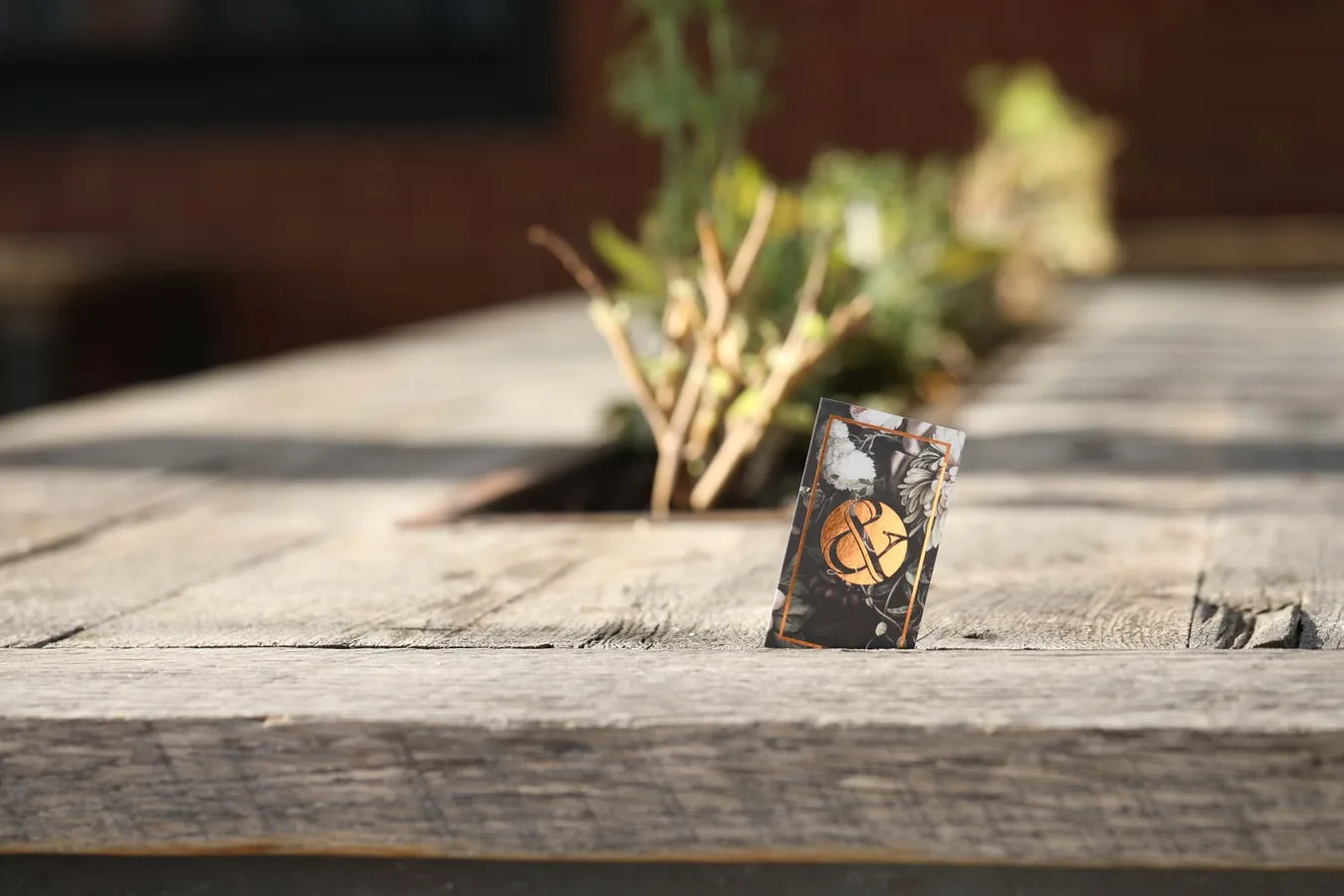
Card stock does a lot of the talking before anyone reads a word. Our business cards print on 16PT premium stock, full color both sides, in matte or gloss. Matte feels modern and writes well; gloss makes photos and bright colors pop. Specialty finishes like foil, spot UV or soft-touch are available by custom quote. Before you choose, see business card finishes, gloss vs. matte vs. soft-touch and foil vs. spot UV. Pricing is all-in with shipping included: $39.95 for 100, $44.95 for 250, or $54.99 for 500. Every order includes a free pro file check and free digital proof, and nothing is charged until you approve it.
All-in pricing. Free proof. No checkout surprises.
16PT business cards, full color both sides — from $39.95 for 100, shipping included.
16PT business cards, full color both sides — from $39.95 for 100, shipping included. ⚡ Or build a full kitFrequently asked questions
What should be on a business card?
A business card should include your name, what you do, your business name or logo, one phone number, an email address and a website. Add an address only if customers visit you. Fewer, clearer lines look more professional than a crowded card.
What font size should business card text be?
Your name should be about 11 to 14 points, and contact details about 7.5 to 9 points. Avoid going below 7 points or using very thin fonts, which can break up in print. Keep all text at least 1/8 inch inside the trim edge.
What should I put on the back of a business card?
Good uses for the back include a short list of services, a photo of your work, an appointment line, a first-visit offer or a QR code. Full-color printing on both sides is included on our 16PT cards. A writable matte back works best if people will write on it.
Should I put a QR code on my business card?
Add a QR code if it leads somewhere useful, like a booking page, portfolio, review page or digital contact card. Print it at least 0.75 inch square with white space around it, and test it on the proof before approving. Point it to a URL you control so it keeps working if your site changes.
Is matte or gloss better for business cards?
Matte looks modern, reduces glare and is easy to write on. Gloss makes photos and bright colors look more vivid. Both are available on our 16PT cards, starting at $39.95 for 100 with shipping included.