



The 10-second answer
Need a compact handout that organizes several topics (services, a menu, an FAQ)? The tri-fold is the classic — six panels, fits a rack. Want a simpler, more spacious layout that reads like a little booklet? Choose a bi-fold (four larger panels). Walking someone through steps or a timeline? A z-fold opens like an accordion, panel by panel.
Tri-fold: the classic six-panel
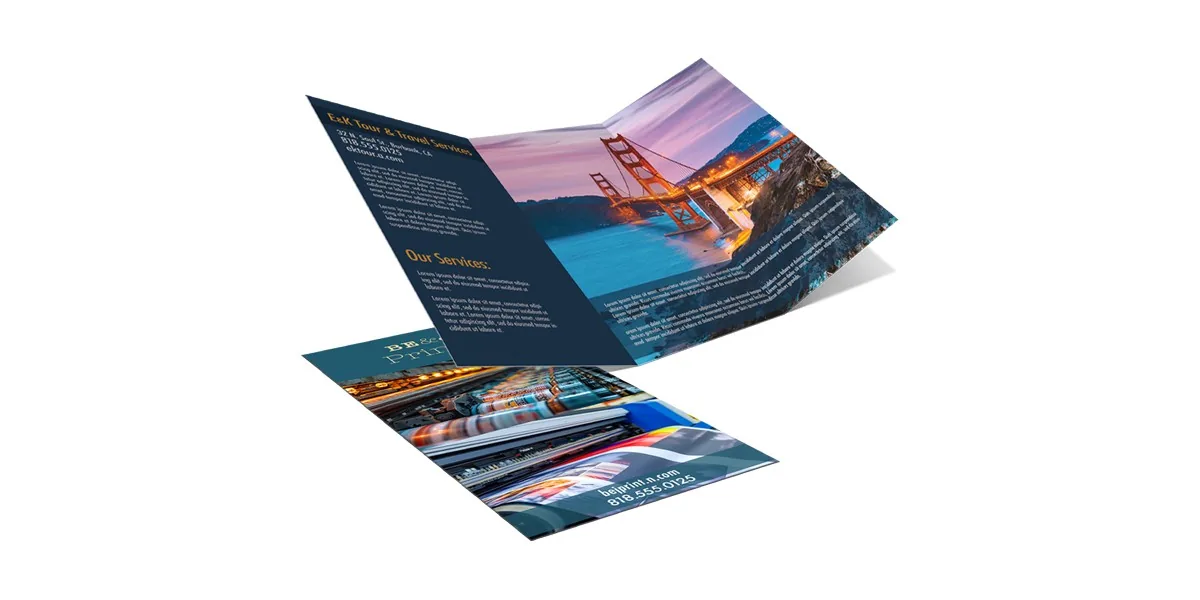
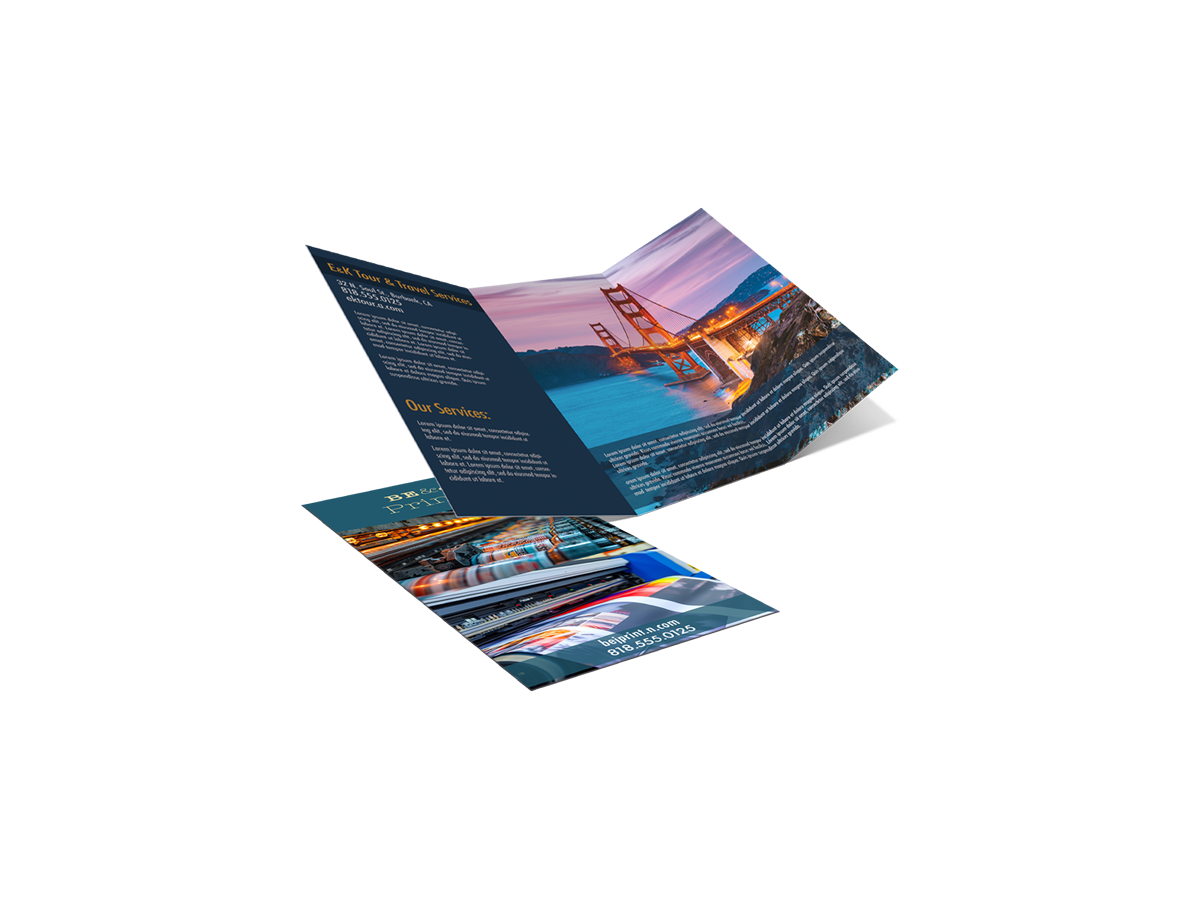
A tri-fold folds a sheet into thirds, giving you six panels (three per side). It's the most common brochure because it's compact, fits standard display racks, and has a natural flow: front cover, inside spread, and a back panel you can use for contact info or a mailing area. Perfect for service overviews, restaurant menus, and program guides.
Bi-fold: clean and booklet-like
A bi-fold folds once down the middle for four larger panels. The bigger panels give your content and images more room to breathe, so it reads like a simple booklet. Great for higher-end pieces, real estate, event programs, and anything with strong photography.
Z-fold: accordion for steps
A z-fold also creates six panels, but the folds alternate direction so it opens like an accordion / Z shape. Because each panel reveals the next in sequence, it's ideal for step-by-step content, timelines, or a big reveal when fully opened (like a mini poster).
Planning your panels
The catch with folded pieces: panels aren't all the same width (the panel that folds inward is slightly narrower), and content must respect the folds. Keep important text away from crease lines, and design front and back as one connected sheet. Our free file check catches fold and margin issues before printing.
How to choose
Fold your story the right way.
Pick your fold, size, and stock, see your price instantly, and it ships to your door.
Order Brochures ⚡ Flyer vs Brochure vs Rack CardFrequently asked questions
What is the difference between a tri-fold, bi-fold, and z-fold brochure?
A tri-fold folds a sheet into thirds for six panels and fits standard racks. A bi-fold folds once for four larger panels and reads like a booklet. A z-fold also has six panels but folds in alternating directions like an accordion, ideal for step-by-step content.
How many panels does a tri-fold brochure have?
A tri-fold brochure has six panels — three on each side of the sheet — created by folding the paper into thirds.
What is a z-fold brochure used for?
A z-fold brochure folds in an accordion or Z shape so panels reveal in sequence. It's best for step-by-step instructions, timelines, or a fold-out reveal like a mini poster.
Are all brochure panels the same width?
No. On folded brochures the panel that tucks inward is usually slightly narrower so it folds cleanly. This is why artwork must be set up per-panel with content kept away from the fold lines.
Which brochure fold is best for a menu?
A tri-fold is the classic choice for menus because it organizes multiple sections compactly and fits display racks, while still opening to show everything at a glance.