





Why January is menu-refresh season
Three things line up at the start of the year. Costs change: suppliers often adjust pricing for the new year, and a menu still carrying last spring's prices quietly eats margin on every ticket. Guests change: January diners are more likely to look for lighter plates, smaller portions, non-alcoholic drinks and “better for you” swaps, and a menu that offers them clearly wins those orders. Your schedule changes: after the holiday rush, most restaurants and cafes hit a slower stretch, which is the easiest time to retrain staff on new dishes and swap printed pieces without disrupting service. A refresh doesn't have to be a full rebrand. For most places it means updated prices, a few seasonal additions, a couple of cuts, and a fresh print run that looks clean instead of covered in correction stickers.
What to change (and what to leave alone)
Start with your sales data from the past year. Cut the bottom sellers that take up prep time and menu space, and keep your best sellers exactly where guests expect them — moving a favorite dish causes more confusion than it's worth. Update prices in small, deliberate steps rather than one large jump across the whole menu, and drop trailing zeros and dollar signs if your format allows, which keeps the focus on the food. Add a short seasonal or lighter section: three to five items like grain bowls, salads, soups or mocktails is enough to signal the change. Mark dietary options with a simple legend (vegetarian, gluten-free, dairy-free) instead of long notes. Finally, fix anything that drifted over the year — old hours, a retired phone number, a dish the kitchen stopped making months ago.
Real menu reprint prices
| Item | Quantity | Price (All-In) | Best for |
|---|---|---|---|
| Menus 8.5×11 full color | 1,000 | $229 | Dine-in and takeout menus |
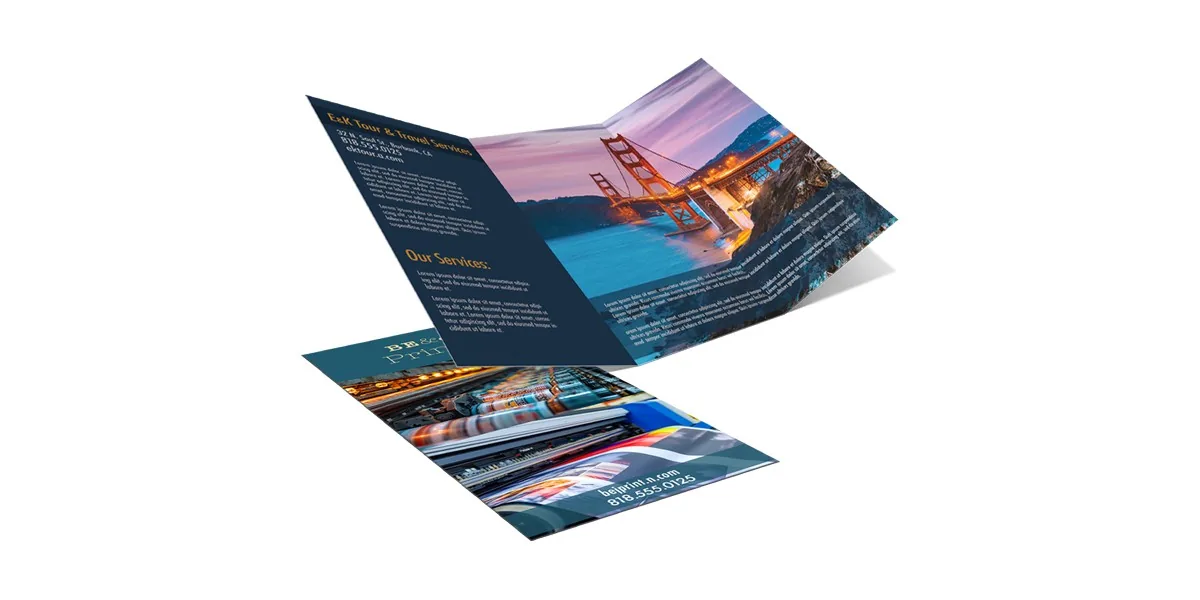
| Service menus | 250 | $189 | Smaller runs, catering or service lists |
| Loyalty punch cards 16PT, writable matte back | 500 | $54.99 | Bringing January guests back |
| Flyers 8.5×11 100LB gloss | 250 | $129 | “New menu” announcements, neighbor drops |
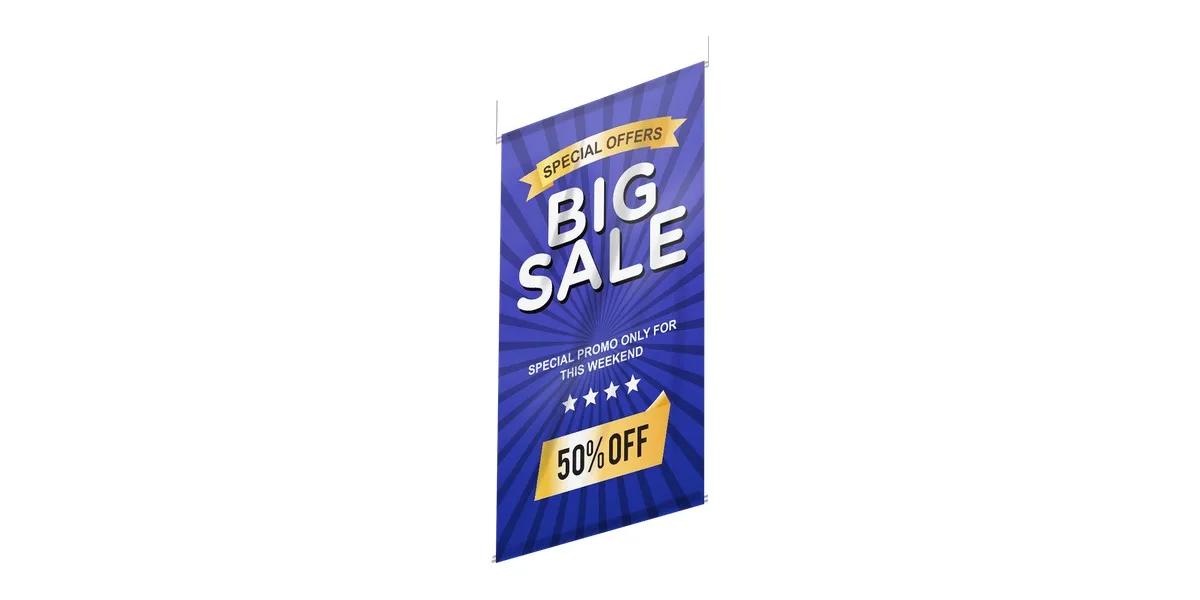
| Vinyl banner 13oz | 3×8 ft | $89 | “New Year, New Menu” on the building |
Reprint planning: work back from opening day of the new menu
Pick the date the new menu goes live, then work backward. Four weeks out (early December): finalize dishes and prices with the kitchen and confirm costs with suppliers. Three weeks out: update the design file and send it in — every order gets a free pro file check and a free digital proof, and nothing is charged until you approve the proof. Two weeks out: approve the proof and let standard 2–4 business day production run, which keeps you clear of holiday shipping delays. Launch week: swap menus, brief staff and pull every old copy so guests never see two price lists. If a change sneaks in late, rush is a flat add-on: +$9 for 2-day press or +$19 for next-day. If the old menu only exists as a Canva file or a scanned PDF, our design team can fix it for $29 per file.
The takeout menu + punch card combo
January is when regulars decide whether they're coming back, so pair the new menu with a reason to return. A practical combo is 1,000 takeout menus ($229) plus 500 loyalty punch cards ($54.99) — $283.99 all-in for both. Drop a takeout menu in every to-go bag so the new items travel home with the order, and hand a punch card with each purchase so that slow-season visits start counting toward a reward. Keep the punch card design evergreen (no dates, no prices) so the whole box stays usable after the menu changes again. On the takeout menu, put the phone number and an online-ordering QR code near the top, and keep the layout simpler than your dine-in menu: guests scanning a fridge-door menu want categories, prices and how to order, not long descriptions.
Small refresh mistakes that cost money
A few habits turn a simple reprint into a headache. Ordering before prices are final means paying for a second run in February. Printing too few is just as common: menus get stained, folded and carried off, so plan for wear, not just seats — that's why 1,000 is the standard run. Hard-coding seasonal items into the main menu forces a reprint when they rotate out; put them on a separate insert or a smaller service menu ($189 for 250) instead. Skipping the proof review lets typos in prices slip through, so read every number twice. And forgetting digital copies — update the website, online-ordering menu and listings the same day the printed menu changes, so guests don't arrive expecting last year's prices. If we get the print wrong, we reprint it.
All-in pricing. Free proof. No checkout surprises.
Refresh for January: 1,000 menus for $229, shipping included — free proof before you pay.
Refresh for January: 1,000 menus for $229, shipping included — free proof before you pay. ⚡ Or build a full kitFrequently asked questions
When should restaurants update their menus for the new year?
Most restaurants and cafes refresh in early January, after the holiday rush and when supplier prices reset. Finalize changes in early December and order prints two to three weeks before the new menu goes live.
How much does it cost to reprint restaurant menus?
At i Can Print That, 1,000 full-color 8.5×11 menus cost $229 and 250 service menus cost $189, shipping included. Every order includes a free file check and a free digital proof.
What should I change on my menu in January?
Update prices, cut low sellers, keep best sellers in place and add a small seasonal or lighter section. Also correct hours, phone numbers and any dishes the kitchen no longer makes.
How often should a restaurant reprint its menu?
Many restaurants do one main refresh a year plus smaller updates when prices or seasonal items change. Keeping rotating items on a separate insert or service menu cuts down on full reprints.
Should a takeout menu be different from a dine-in menu?
Yes, a takeout menu works best when it is simpler, with clear categories, prices, a phone number and an online-ordering QR code near the top. Pairing it with a loyalty punch card helps turn takeout orders into repeat visits.